Last Updated on 28 November, 2022
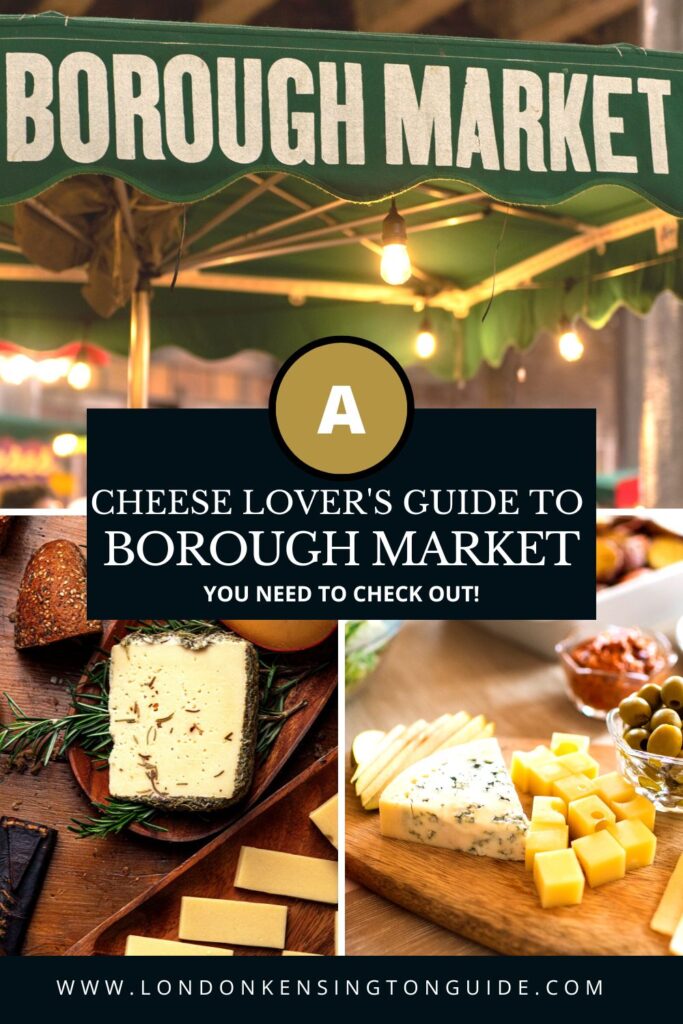
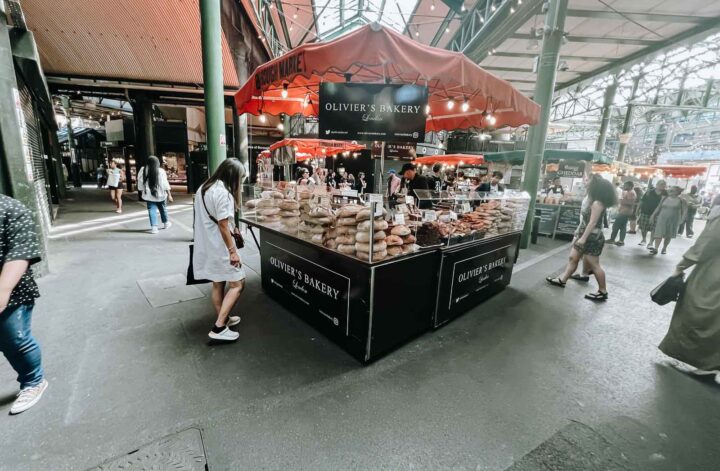
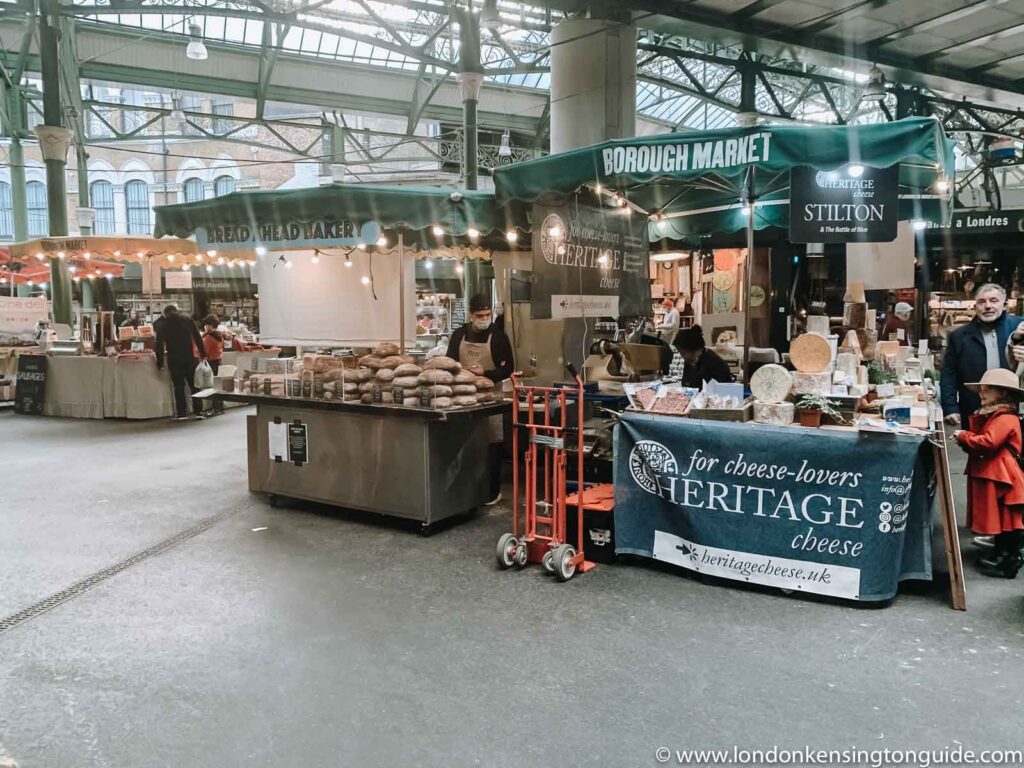
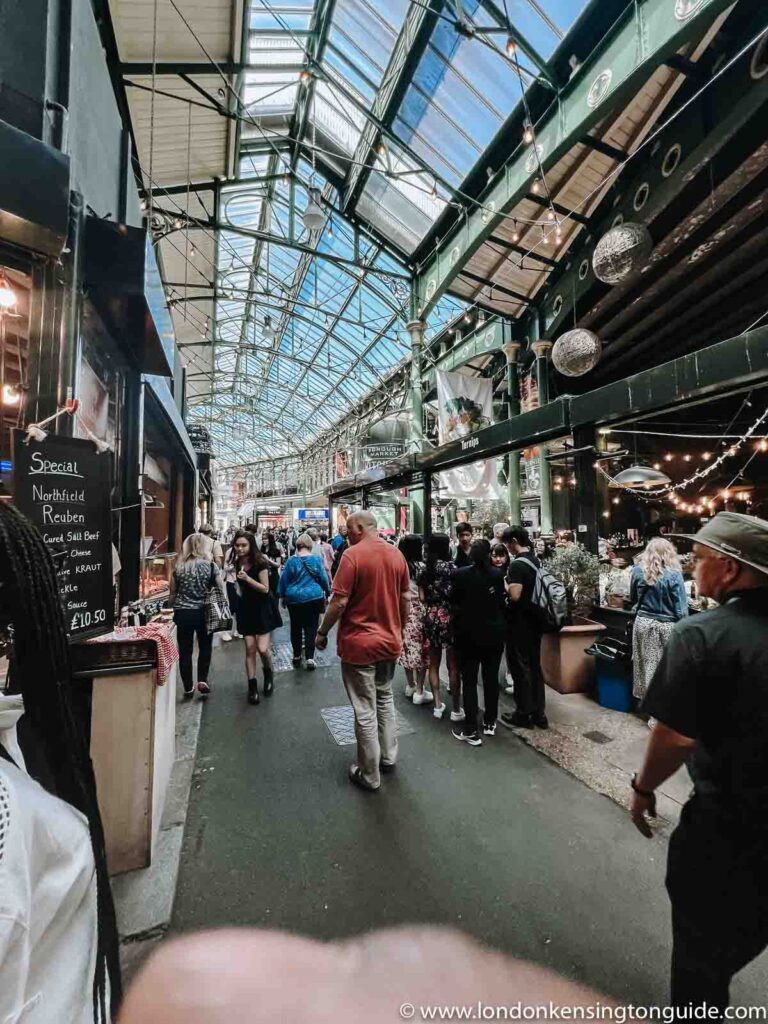
Borough market is a historic market and one with thousands of visitors every day. This market has gone through several stages of transition and is now a ‘must-visit for any London-based or visiting food lover.
Do you the most intriguing part of this place? It is undoubtedly the restaurants, cafes, and food. And when we talk about food, how can we miss out on cheese? We have shared an extensive guide to Borough Market, we have talked about the delicious doughnuts from Bread Ahead, we have done baking workshops baking Italian and French bread.
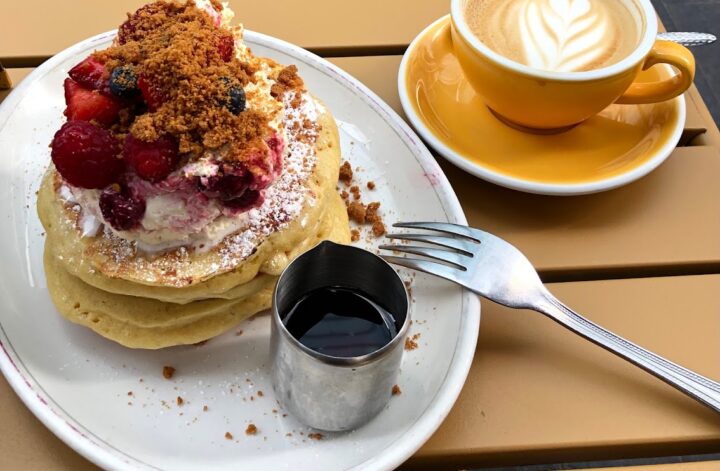
We will so be sharing tips on the best cake stalls in Borough Market for those with a sweet tooth.
Are you one of those who can’t do without cheese? We have got you covered!
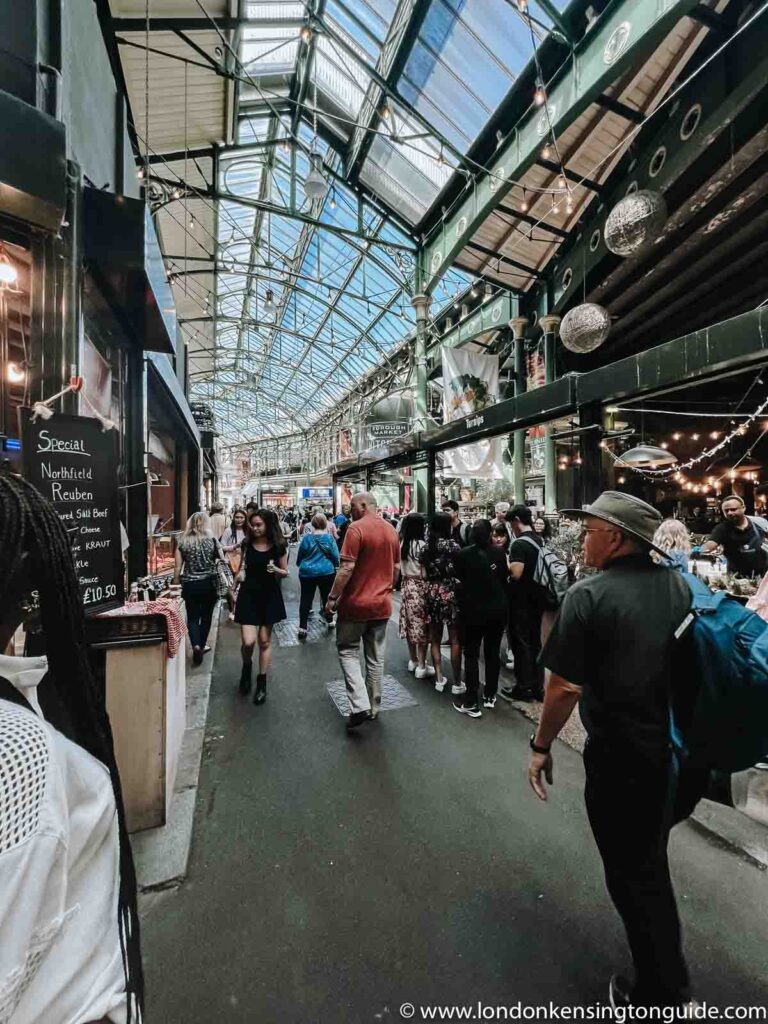
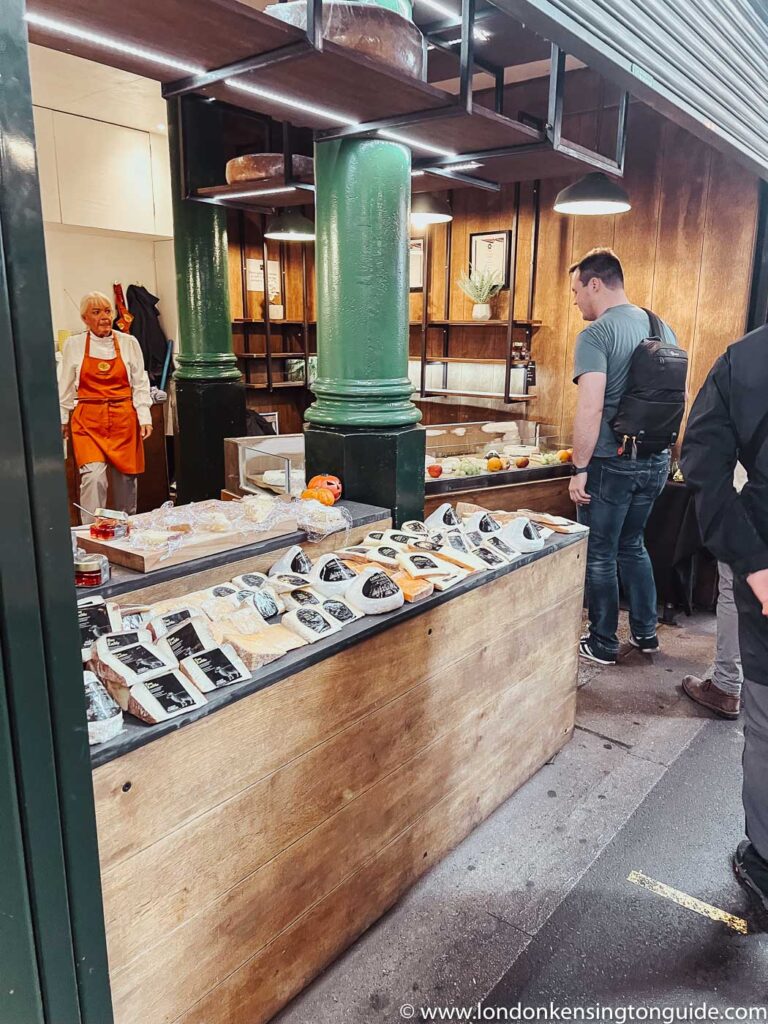
Borough Market Cheese Shops And Stalls:
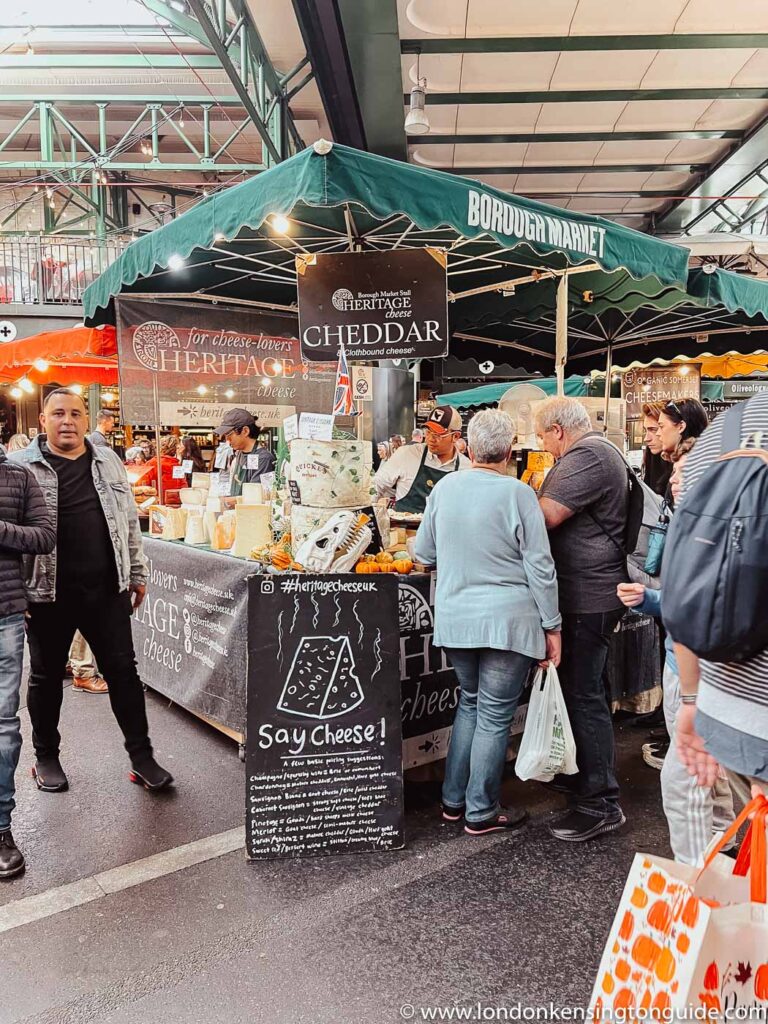
Heritage Cheese
People who love cheese are going to be blown away by this cheese in Borough Market. The most promising British and Irish artisanal cheese in the Borough Market by Heritage Cheese was established in 2017.
The stall looks for traditional vendors and cutting-edge treasures from all over the Irish isles and British such as Corleggy farmhouse goat’s cheese, Quicke’s cheddars, Cropwell Bishop Beauvale, and Ballylisk Triple Rose.
They work closely with their cheese makers to bring the history and seasonality of each cheese to life, working under the guiding idea that each cheese has a unique narrative to tell.
Heritage Cheese won the title of Slow Food Cheesemonger of the Year in 2019, 2020, and 2021, as chosen by the general public.
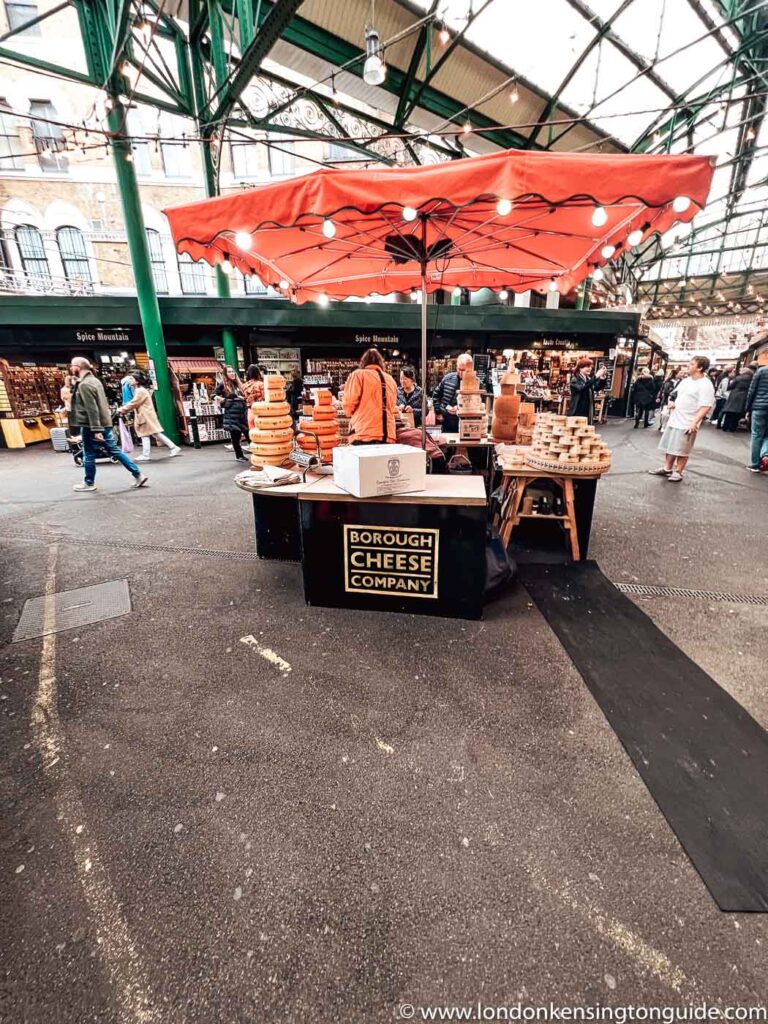
Borough Cheese Company
Based at London’s world-famous Borough Market, they import, retail, and wholesale a range of hand-selected cheeses.
Maintaining close relationships with their suppliers and producers is integral to this mission of bringing the absolute best British and Continental cheeses to our customers.
Brabander, Tunworth, and Cheese Box (extra mature comte, Pitchfork cheddar & Sparkenhoe Blue) are a few of their bestselling cheeses.
Blackwoods Cheese Company
Blackwoods was established in 2013. They produce raw, unpasteurized, cow’s milk cheeses at their dairy at Commonwork Organic Farm in Kent which is a regenerative dairy farm with a single herd of 240 mixed breed milking cows.
The cows’ pasture-based diet of herbal lays, grass, and silage gives them the perfect milk for cheese making. They use only the freshest milk which they collect themselves each morning.
Their two signature kinds of cheese, Graceburn, and Edmund Tew have won numerous awards and can be found in the country’s leading cheese and specialty food shops.
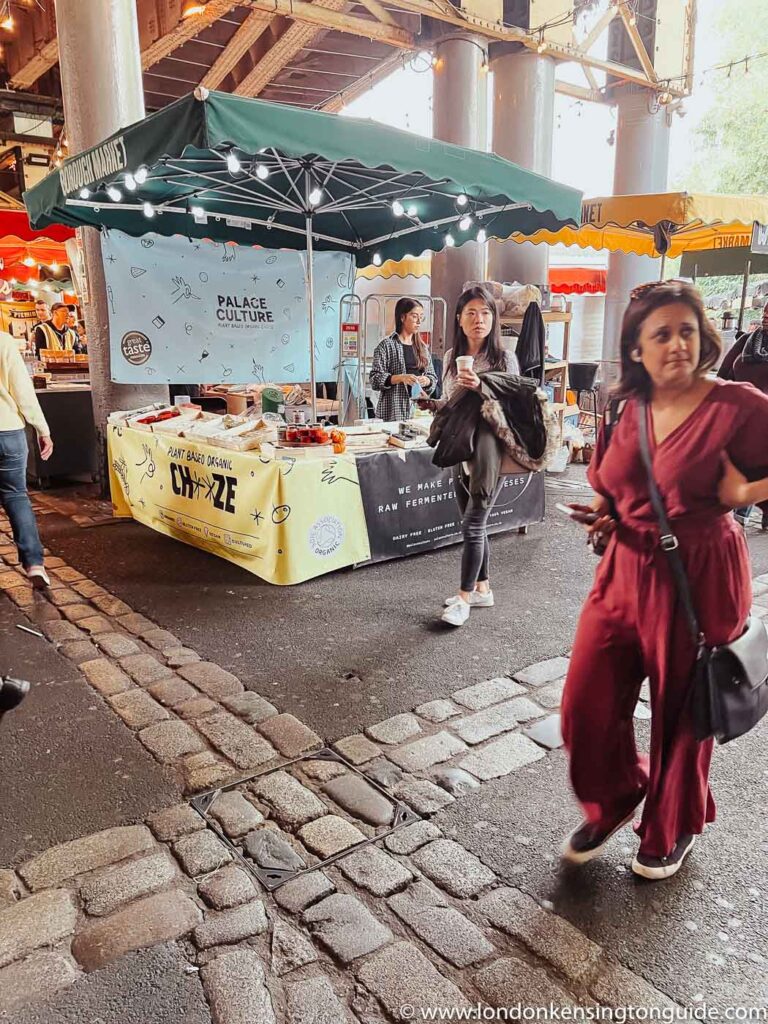
Palace Culture
Palace Culture believes in a healthy and balanced lifestyle. Therefore, they handcraft their vegan cheese. Using organic cashews and almonds, they soak our nuts in filtered water before fermenting them with live cultures.
This gut-healthy base is combined with sea salt and a mix of herbs and spices to create a flavor-packed product.
From tasty cream cheese spreads to soft and hard cheeses that have been aged over months, they have products for every charcuterie board.
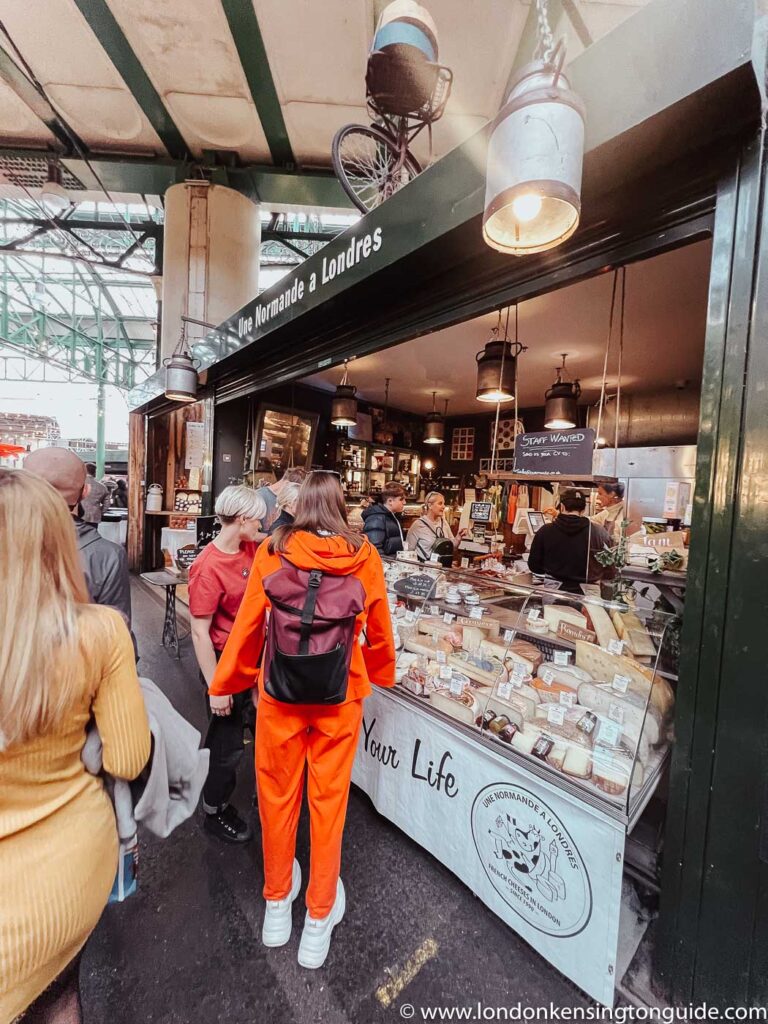
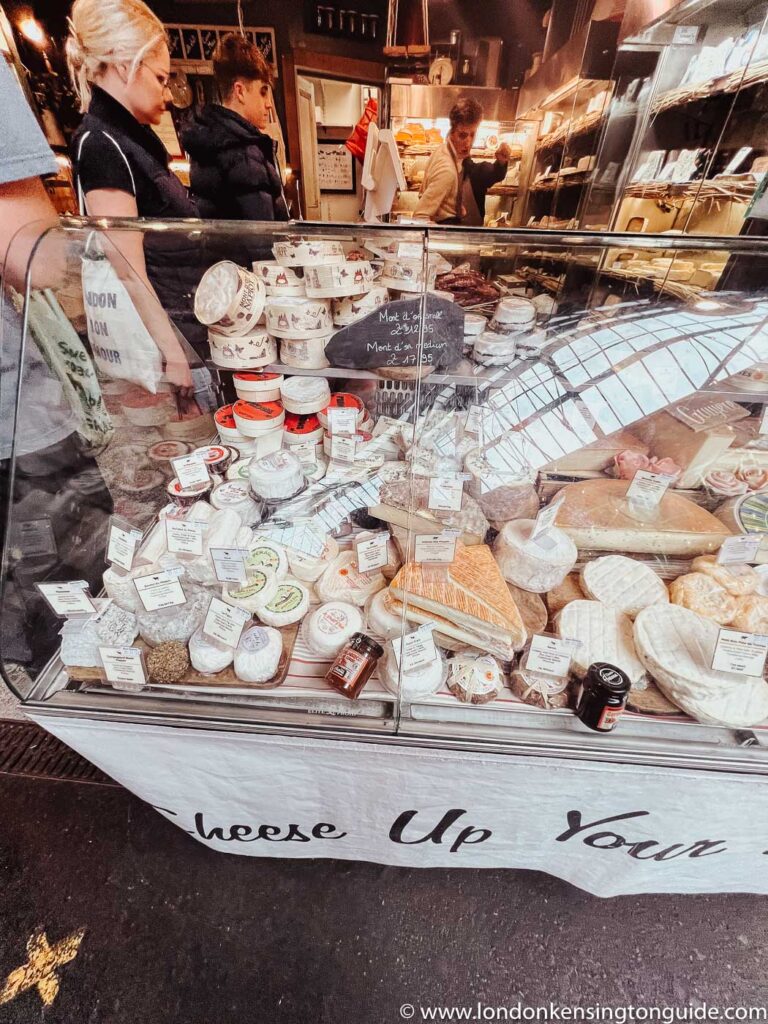
Une Normande a Londres
Une Normande a Londres, run by brothers Franck and Yann Le Blais, have been offering the very best artisan cheeses, cured meats, and preserves from France, to many markets, delis, and restaurants in the Uk.
The brothers gained a true knowledge of French food traditions working along with their family, producing Camembert for more than a century. Also, they have amazing pricing for their cheese.
Jumi Cheese
All of the unique products at Jumi Cheese are produced by four family-run dairies in the Emmental region of Switzerland.
The cows whose milk supplies Jumi’s dairies all feed on fresh grass and hay, and the farmers start and end the process by hand.
Their Specialities include Belper Knolle, a raw cow’s milk cheese made from the milk of the Simmental cow, and Spahn, a hard cheese made with ricotta rather than milk base.
Pitchfork
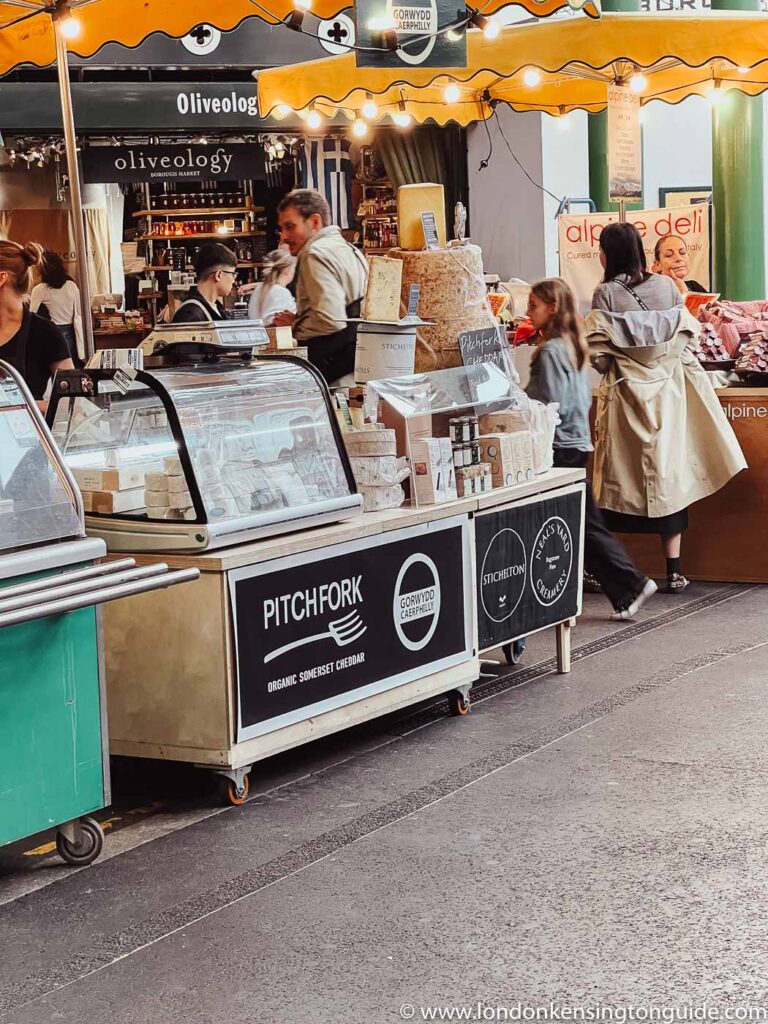
Pitchfork has dense and nutty Cheddar from Trethowan’s Dairy in Somerset with has a juicy bite and creamy texture that rolls around the mouth. The milk comes from their herd of Holstein and Jersey cows, which graze on the farm’s organic pastures.
The Trethowan brothers started their cheesemaking journey by producing a traditional Caerphilly on their Welsh family farm. They were later quickly inspired to try their hand at a traditional cheddar recipe.
The results were outstanding and Pitchfork Cheddar quickly became internationally recognized as an exceptional cheese.
The name, Pitchfork, is a reference to the old Cheddar-making tools used to toss the curd while mixing in the salt.
Trethowan Brothers
In 1998, Todd and Charlie (from Neal’s Yard Creamery) were invited by Randolph Hodgson and Henrietta Green (the driving forces behind Neal’s Yard Dairy) to be part of the first Food Lovers Fair at the newly reopened Borough Market.
From that day, the Trethowan Brothers have had their cheese stall here, bringing Pitchfork Cheddar and Gorwydd Caerphilly to the capital. These are two award-winning slices of cheese.
L’Ubriaco Drunk Cheese
Max and Pam spent years traveling around Italy to source the best ‘drunk’ cheeses they could find before setting up shop at Borough Market.
Known as ‘l’ubriaco’ cheese in Italian (a language in which even intoxication sounds beautiful), their offering comprises a variety of pasteurized, aged cow’s milk cheeses that have been steeped in alcohol.
Mons Cheese Mongers
Mons Cheesemongers opened at Borough Market, London in 2006. They now have a stall at Brockley Market & specialist cheese shops within Bermondsey’s Spa Terminus complex & on Lordship Lane, East Dulwich.
They select traditionally made Continental & British cheeses and age them in our cellars in London and on the Cote Roannaise. They also supply a range of dairy produce, cured meats, crackers, condiments, beers, wines, ciders & perries.
A few of the famous cheeses are Beaufort, and. Cantal au lait de saler.
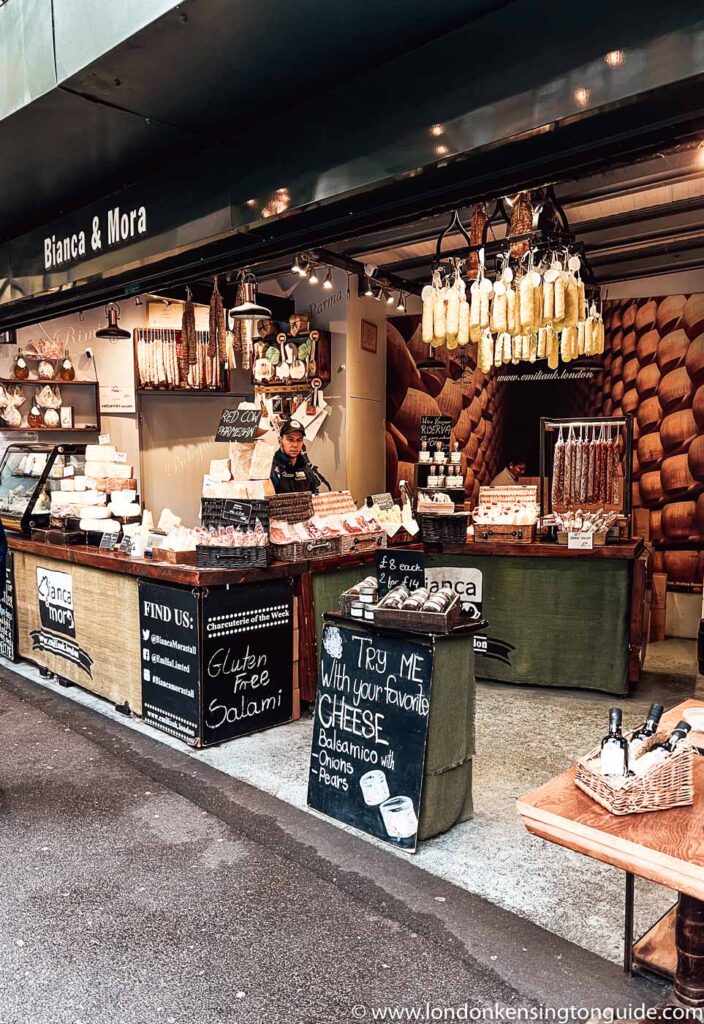
Bianca Mora
Bianca Mora is an Italian deli within Borough Market, selling everything from cured meats, balsamic and vinegar, traditional wines and vegan wines, olives and sauce and then there is the cheese!
They have goat milk cheese as well as cow milk varieties. You can find truffle Cheese Sottocenere, 24 months red cow Parmigiano Regiano, goat milk blue cheese, matured pecorino, and many more delicious cheeses to add to your tasting list.
Neals Yard Diary
Neal’s Yard Dairy was founded in Covent Garden in 1979 by Randolph Hodgson and was one of the first retailers to set up empty warehouse spaces around Borough Market in the 1990s.
It continues to offer a truly stunning array of cheeses sourced from specialist cheesemakers all over the UK and Ireland.
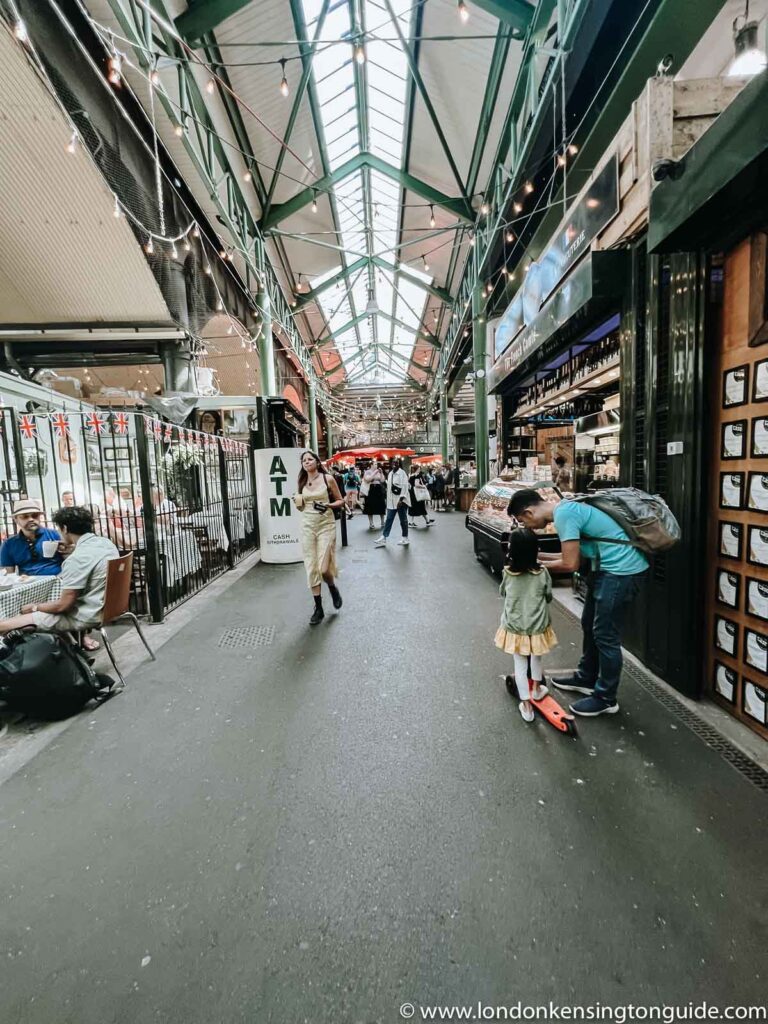
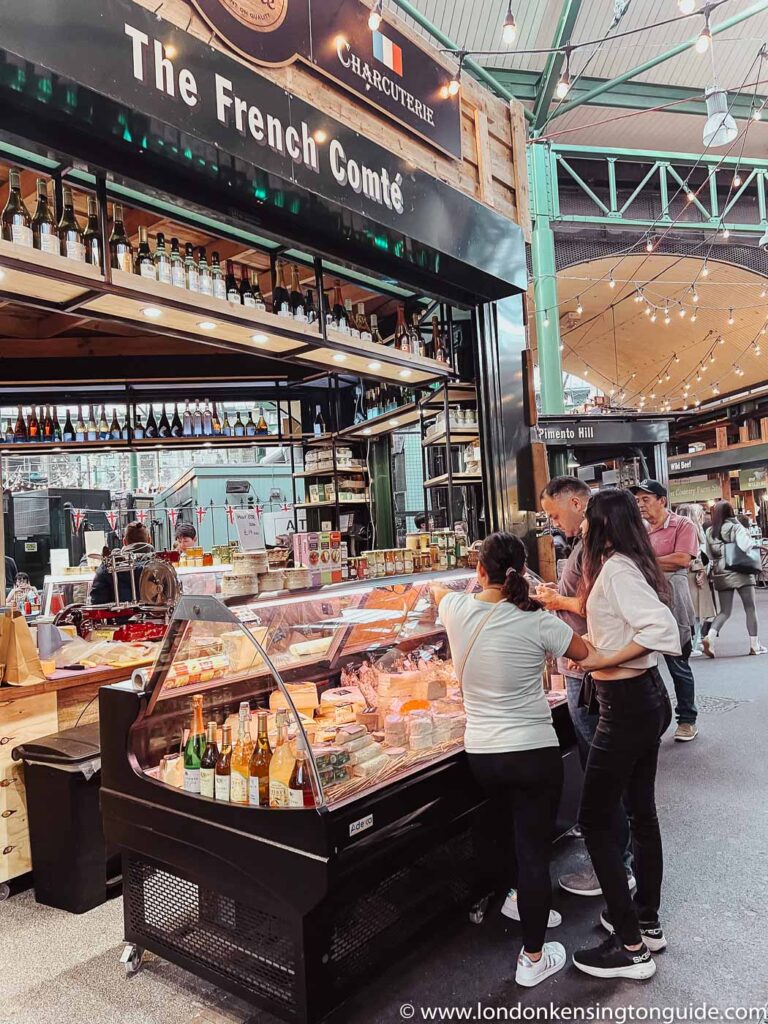
The French Comte
It is amazing what happy cows can do! The famous regional ‘Montbéliardes’ cows provide the milk used to make all of their hard and soft cheeses.
Some of their bestselling cheeses are Adondance PDO, Bleu De Gex, Beaufort AOP Chalet, Bon Grivois, Camembert Bertrand, Cacouyard, Cancoillotte, Edel De Cleron, etc.
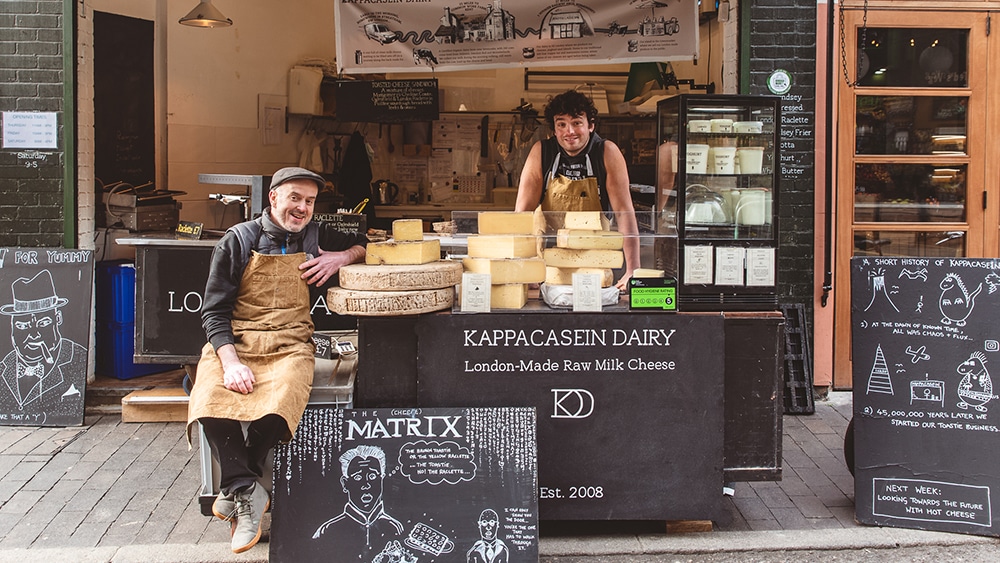
Kappacasein
The first cheese produced by Kappacasein, the Frier, is made using an Italian Formaggio Cotto recipe. It is a cheese made to be fried. Cooked in slices on a hot, salted skillet, the Frier browns on the outside while retaining a firm and squeaky core. It is minimally salted, allowing a true milky flavor to emerge.
Bermondsey Hard Pressed, The London Raclette, has a bright and complex flavor profile, Bermondsey Frier, Ricotta, and Labneh are other varieties of cheese that you shouldn’t miss out on!
Alsop & Walker
Self-taught cheesemaker Arthur Alsop has ploughed his own furrow, producing a range of unique cow’s milk cheeses that have won them both public affection and many gold and silver gongs.
Lord London is a semi-soft, cow’s milk cheese created in honor of the London 2012 Olympics.
Bath Soft Cheese Co
Get a taste of delicious organic cheese made at a third-generation family-run Park Farm near Bath. The cheeses are all made from the farm’s milk from its own herd of cows.
The Bath Soft Cheese from which the company takes its name is a square, yielding ivory cheese with a white bloomy rind wrapped in parchment and stamped with a red wax seal.
It has a pedigree stretching back to the 1790s, with the original recipe listing Admiral Lord Nelson among its many admirers. Their newest cheese is the Merry Wyfe of Bath: an award-winning cider rind-washed cheese.
Borough Market Cheese Events To Note
Borough Market’s annual Evening of Cheese RETURNS on 15th December from 6 – 9pm. Get ready for a cheese-themed shopping extravaganza led by our community of cheesemongers.
Enjoy cheese tastings at Borough Market, seek expert advice and put together a festive cheeseboard featuring the highest quality cheeses from Britain, Ireland, France, Italy, Spain, Switzerland and the Netherlands. Some of our drinks traders will also be on hand to keep shoppers refreshed.
Borough Market has amazing varieties of cheese. The reason behind the success of these outlets is their commitment and persistence to offer the best quality and service to all their customers.
We bet you that you will not get more options than Borough Market cheese shops. Go grab yours from this haven today!